Zjištění splněných volitelných předmětů
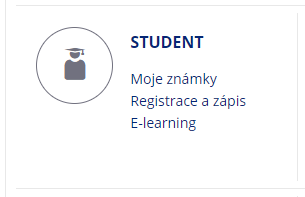
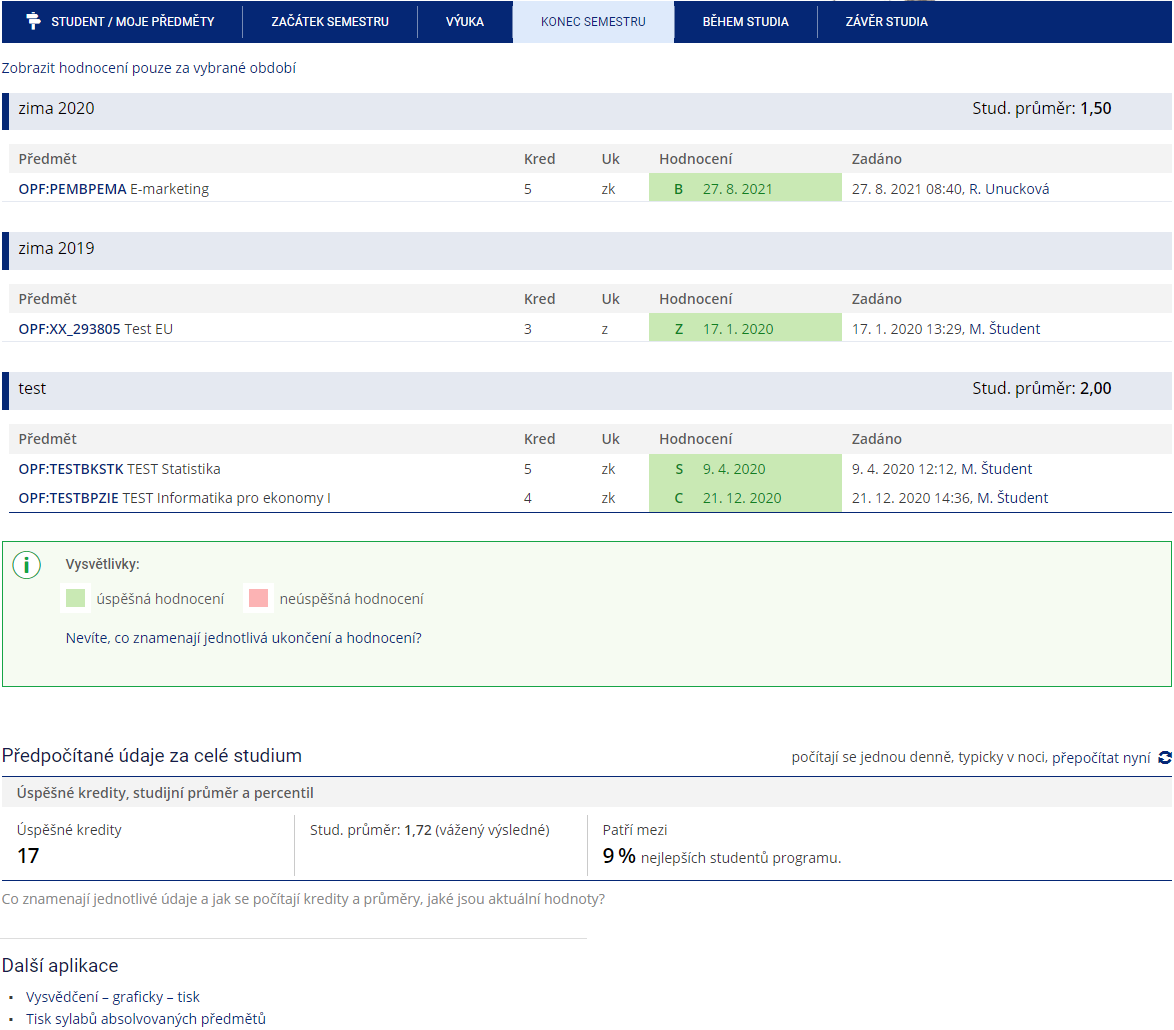
1. V menu „Student“ Obr.1 zvolte v modrém pruhu „Závěr studia“ a následně „Známky za celé studium, získané kredity a stud. průměr“ Obr.2.

| Obr.1 | Obr.2 |
 |  |
2. Na zobrazené stránce se přesuňte na uplný konec, kde uvidíte „Vysvědčení – graficky – tisk“Obr.3.
| Obr.3 |
 |
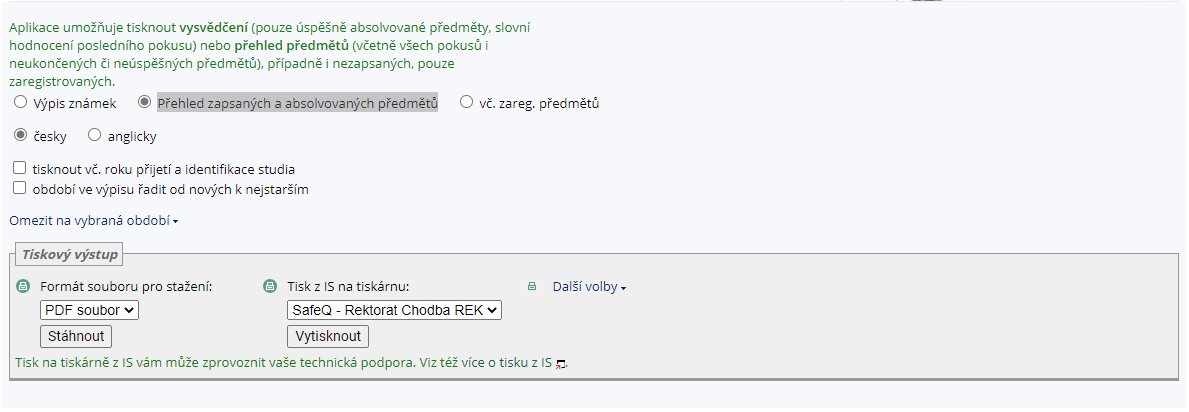
3. V sestavě zvolte „Přehled zapsaných a absolvovaných předmětů“ a klikněte na stáhnout PDF soubor Obr.4. Volitelné předměty máte uvedeny bez statutu.
| Obr.4 |
 |